The Private Safe to Spend Tracker.
100% On-Device.

Smart financial decisions running directly on your iPhone. Zero bank logins required, no cloud databases, and core features free forever. Just pure precision tracking to eliminate overdraft anxiety. Now iOS 18 Optimized with Native Dark Mode App Icon support.

Download Local Bill Tracker on the App Store
Local Bill Tracker Runway and Safe to Spend Dashboard
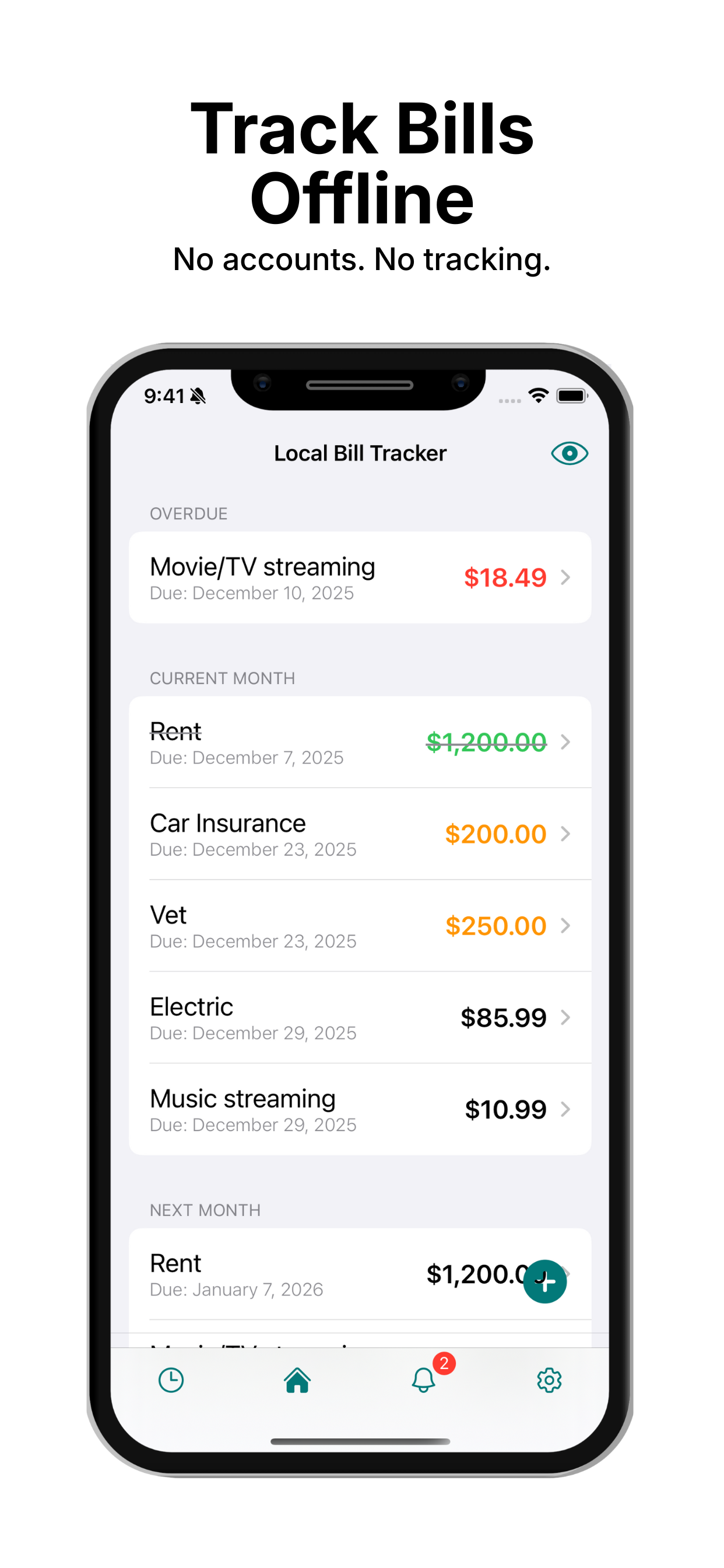
Local Bill Tracker Simple Bill Overview and Chronological Due Dates
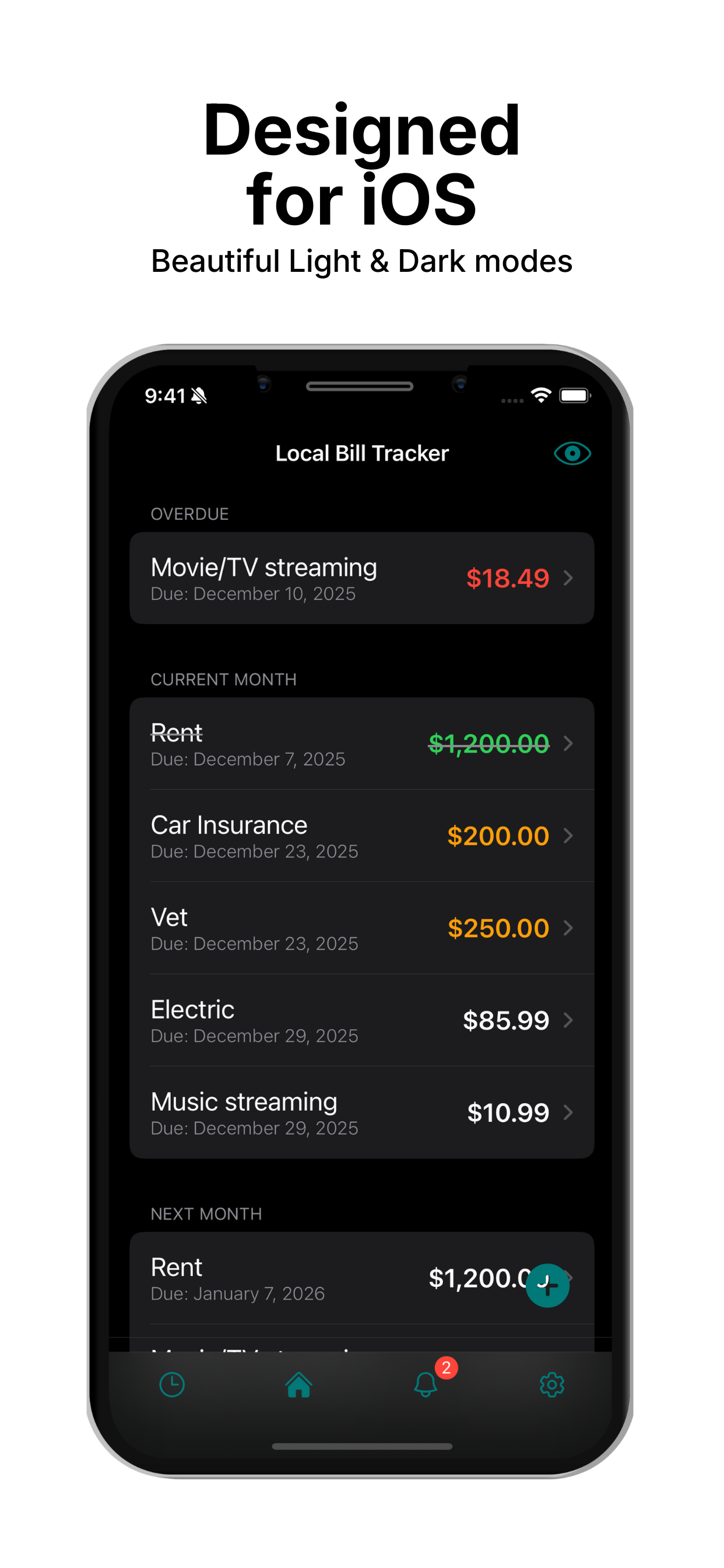
Local Bill Tracker Native Dark Mode Support for iOS 18
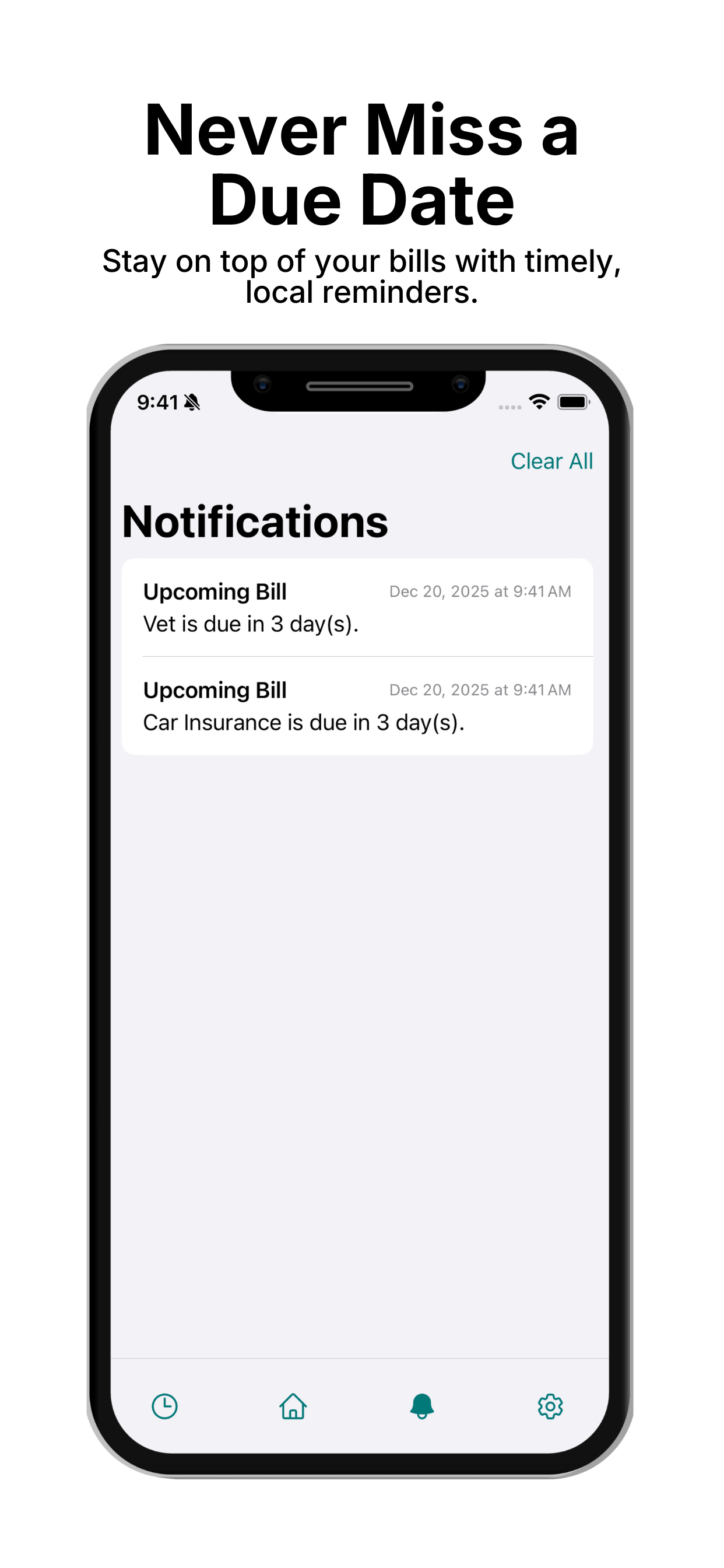
Local Bill Tracker Tiered Proactive Notification Alerts
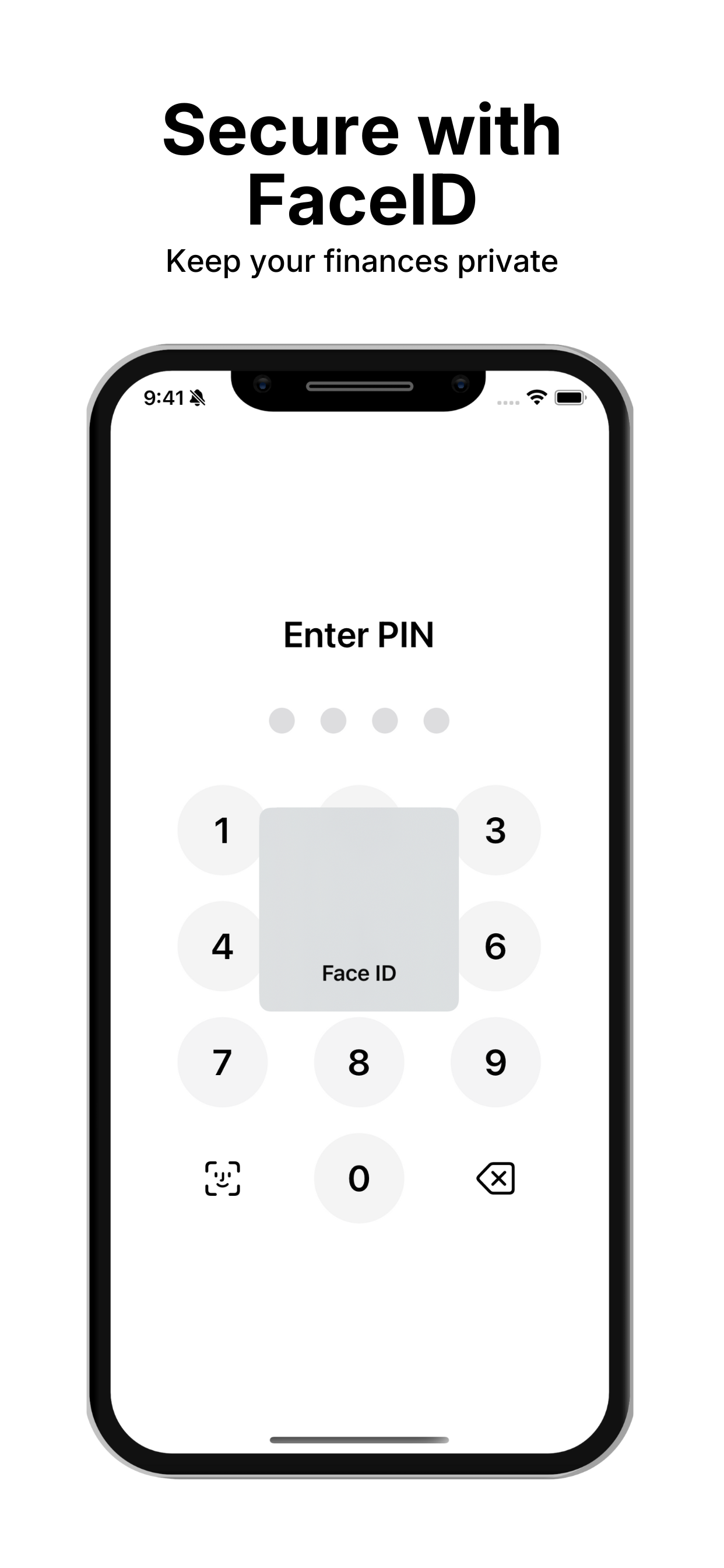
Local Bill Tracker FaceID Biometric Security and Privacy Protection
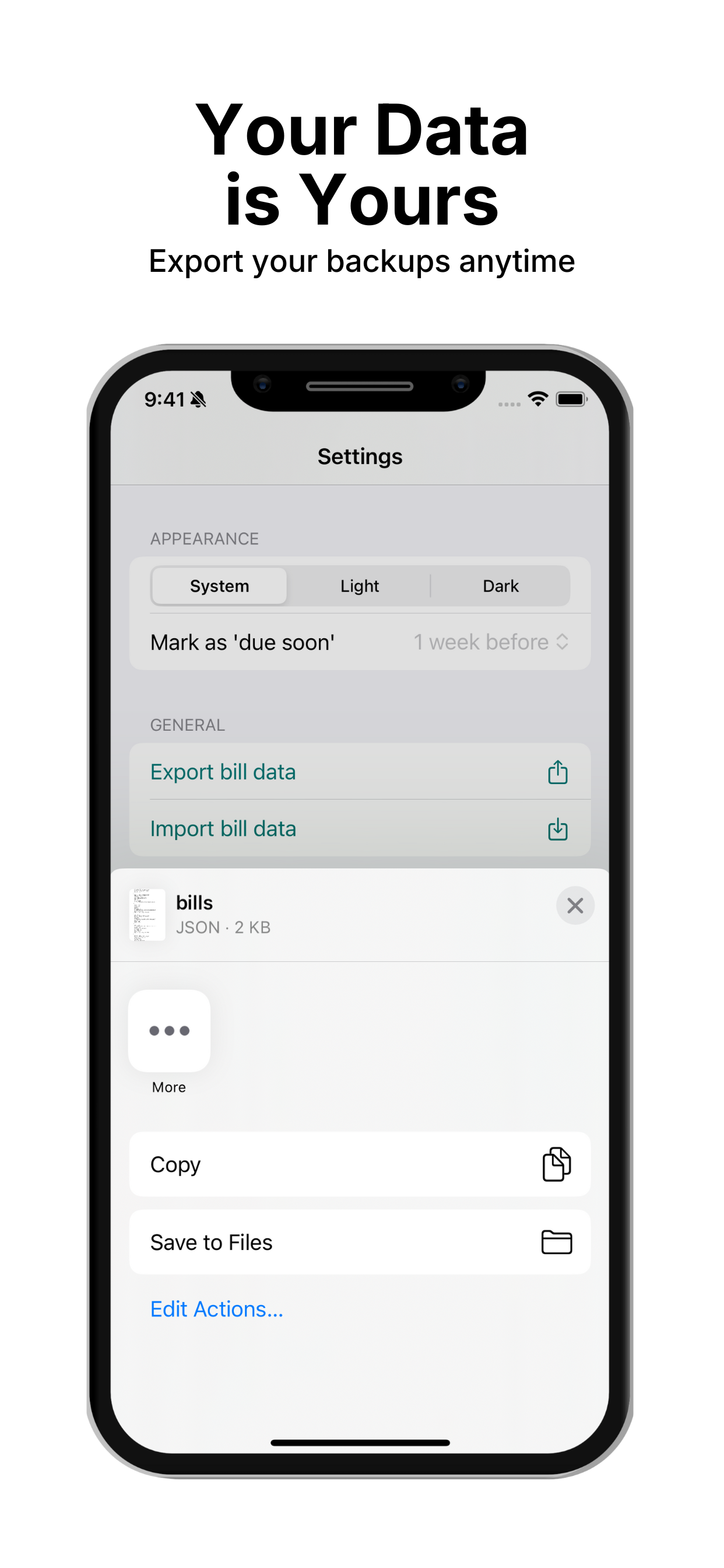
Local Bill Tracker On-Device Data Export and Backup

Key Features Built for Complete Control

Everything you need to stay ahead of upcoming expenses with total confidence and zero data exposure.

System Calibration

Personalize your dashboard based on your primary financial stressor—whether it's Fear of Overdrafts, Runway Visibility, or Missing Deadlines. Re-calibrate your focus directly from settings to evolve your dashboard layout as your habits change.

Smart Clipboard Detection

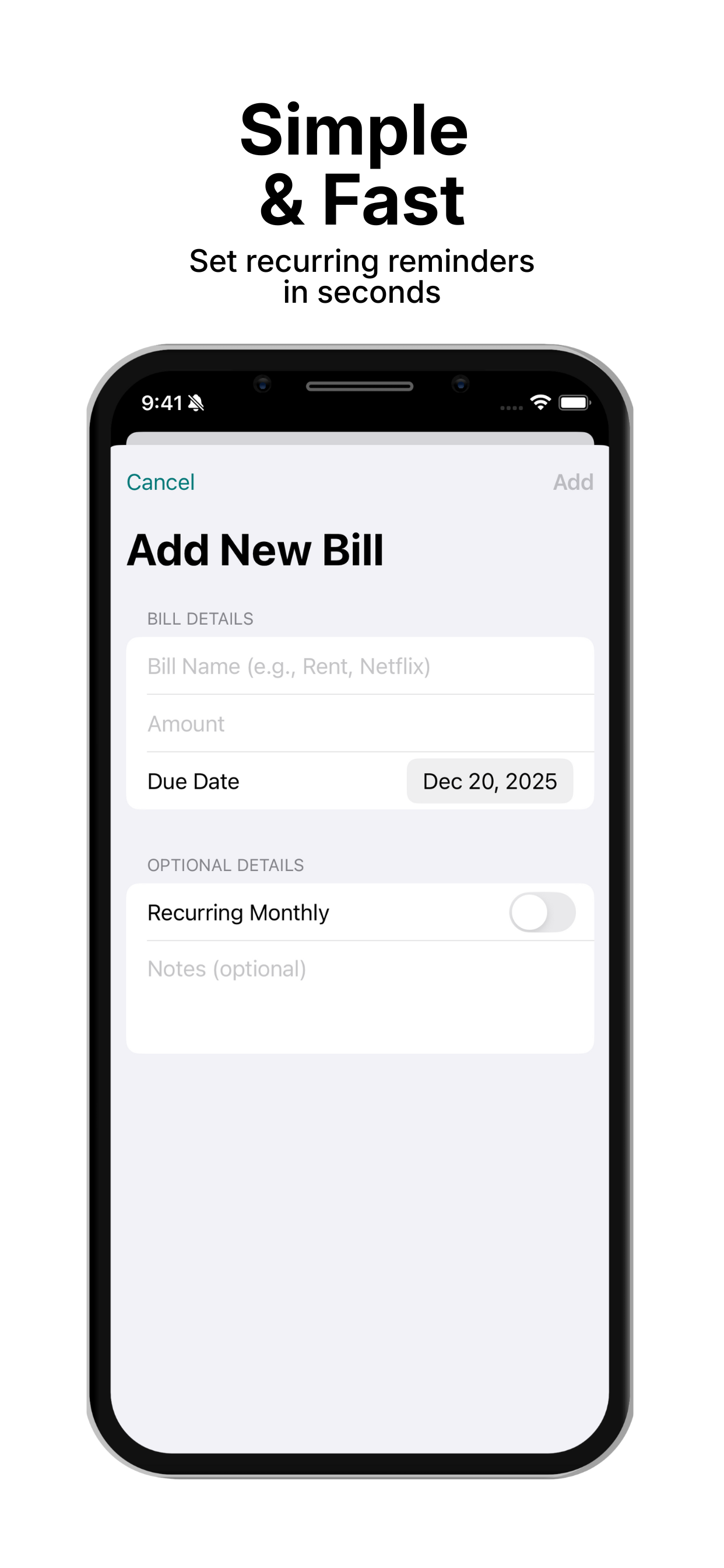
Instantly import upcoming bills directly from copied texts, emails, or notes. Powered by 100% secure, offline on-device parsing. Total privacy, zero typing required.

Zero-Miss Reminders

Adaptive, tiered reminder schedules tailored to your commitment levels. Receive proactive runway warnings and chronological due-date alerts so you can take action before late fees hit.

Why 100% On-Device Architecture Matters

See how a local-first personal finance model compares to traditional cloud-based bank aggregators.

Feature Dimension Local Bill Tracker (On-Device) Third-Party Bank Aggregators (Cloud / Plaid)
Bank Logins & Credentials Never requested. Zero credential exposure. Requires banking usernames and passwords via Plaid or aggregators.
Data Storage & Control Stored locally on your iPhone and private Apple iCloud. Stored in third-party corporate cloud databases subject to breaches.
Pricing Model Free core features with optional Pro ($1.99/mo, $14.99/yr, or $29.99 lifetime). Mandatory recurring subscriptions ($5 to $15+ per month).
Offline Availability Full functionality offline with zero network latency. Unavailable without active internet; frequent sync disconnection errors.
Privacy & Telemetry Zero tracking, no third-party analytics, no data monetization. User transaction histories often analyzed, monetized, or aggregated.

Go Pro. Unlock the Full Features.

Upgrade to unlock our most powerful precision tools with flexible subscriptions or a single lifetime purchase:

  • Biometric Security: Keep your financial data locked safely behind FaceID or TouchID.
  • Digital Receipts: Attach and store photo/screenshot receipts directly with your bill records.
  • Future Ready: Unrestricted access to all upcoming premium features as we continue to build.
Monthly
$1.99 / mo
Yearly (Best Value)
$14.99 / yr
Lifetime
$29.99 one-time

Frequently Asked Questions

Clear answers to common questions about privacy, Safe to Spend calculations, and how Local Bill Tracker works.

Does Local Bill Tracker connect to my bank account or require logins?
No. Local Bill Tracker does not connect to bank accounts, credentials, Plaid, or third-party aggregators. All bills and income entries are entered manually or imported with one tap via private, offline clipboard detection.
How does the Safe to Spend and Runway calculation work?
Safe to Spend calculates how much discretionary money you have available after accounting for upcoming recurring bills due before your next paycheck. The Runway view visualizes your cash buffer so you never face overdraft anxiety or missed deadlines.
Where is my financial data stored, and can PotatoDog LLC access it?
All data stays 100% on your device and inside your private Apple iCloud container (CloudKit) for seamless multi-device sync. PotatoDog LLC does not operate cloud databases, track user analytics, or have any access to your finances.
How does Smart Clipboard Detection protect my privacy?
Smart Clipboard Detection runs purely offline and on-device using local Apple text processing. When you copy bill details from an email or text, the app detects numbers and dates locally without sending any data over the internet.
Is Local Bill Tracker free, and what does Pro include?
Local Bill Tracker is free to download and use for core bill tracking and runway calculations. To unlock premium capabilities (including FaceID/TouchID biometric security and digital receipt attachments), optional Pro upgrades are available as a monthly subscription ($1.99/mo), annual subscription ($14.99/yr), or one-time lifetime purchase ($29.99).
Can I export my data or backup my bills?
Yes. You have complete ownership of your data with on-device CSV export capabilities, allowing you to back up or analyze your financial records in spreadsheet applications at any time.